Here are the steps to authenticate to UCLA Single Sign-on with Multi-factor Authentication (MFA):
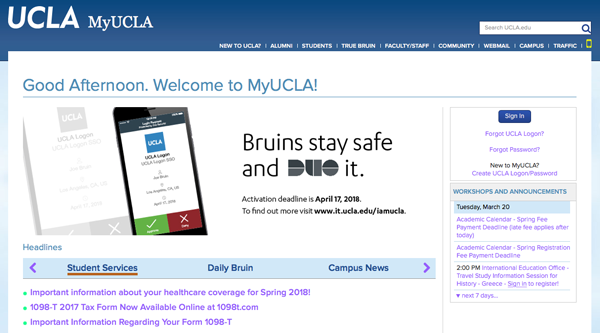
- On your browser, navigate to a UCLA web application (i.e, my.ucla.edu) and click on Sign In:
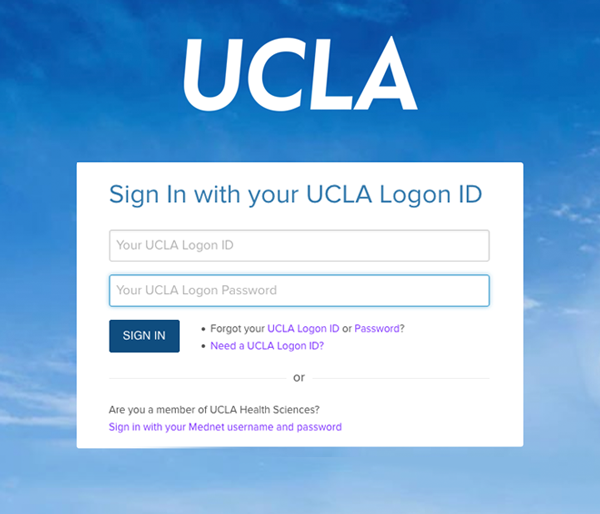
- Enter your credentials and click Sign In:
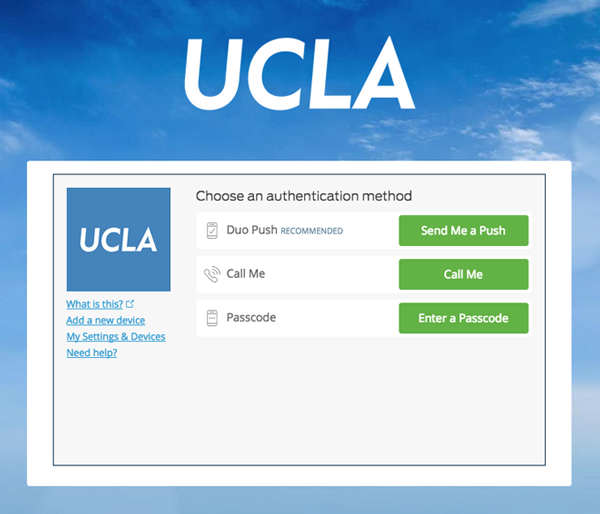
- Choose an authentication method (i.e. DUO Push):
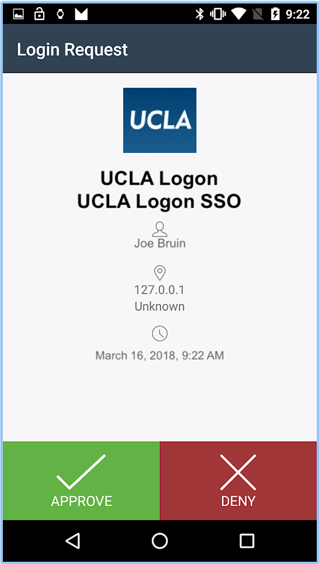
- On your DUO app, Approve the Push notification:
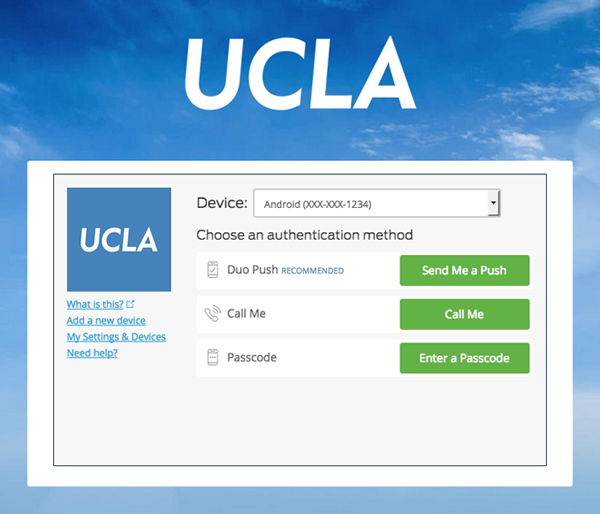
Note: If you have multiple devices enrolled in MFA, you will be given the option to select the desired device before proceeding with authentication: